Design mechanical parts and assemblies with precise, editable geometry.
ENGINEERING / Fusion CADFusion CAD is Fusion’s computer-aided design (CAD) product for mechanical engineering: parametric parts, assemblies and drawings on the Open CASCADE geometry kernel, built in C++ for Windows and Fusion OS, with modules for sheet metal, weldments, moulds, surfacing, enclosures and more.Product overviewVisit fusioncad.cloud ↗
How it connects
Portfolio advantageShared geometry, 3D viewing, storage, and automation connect Fusion CAD with Fusion SIM, Fusion MAT, Fusion CAM, Fusion EDA, and Fusion PDM: each reads Fusion CAD’s parts by the names of their faces, so studies, sweeps, toolpaths, and versions follow the design as it changes.
What Fusion CAD brings together.
WHAT IT ENABLESFrom the first sketch to the finished assembly and its drawings. Fusion CAD is in development: everything on this page runs in its development build on Windows and Fusion OS, and every picture is a screenshot of that build.
Sketches that keep their intent
01 · IN DEVELOPMENTLines, arcs, circles, splines, and ellipses with twenty kinds of constraints and dimensions, curvature-continuous joins, trim, extend, and patterns. The solver moves geometry as little as it must and shows what is still free.
Parametric features
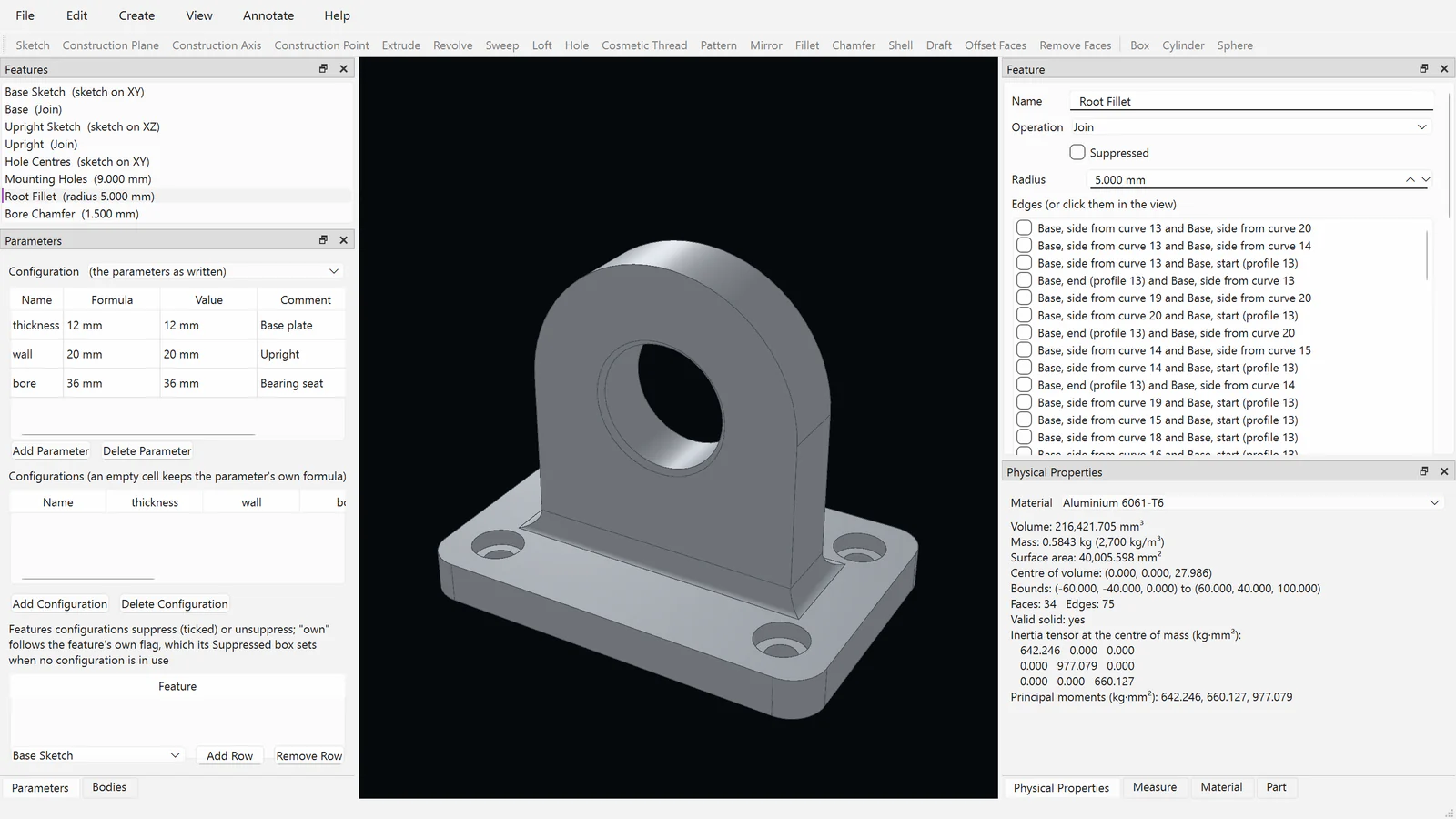
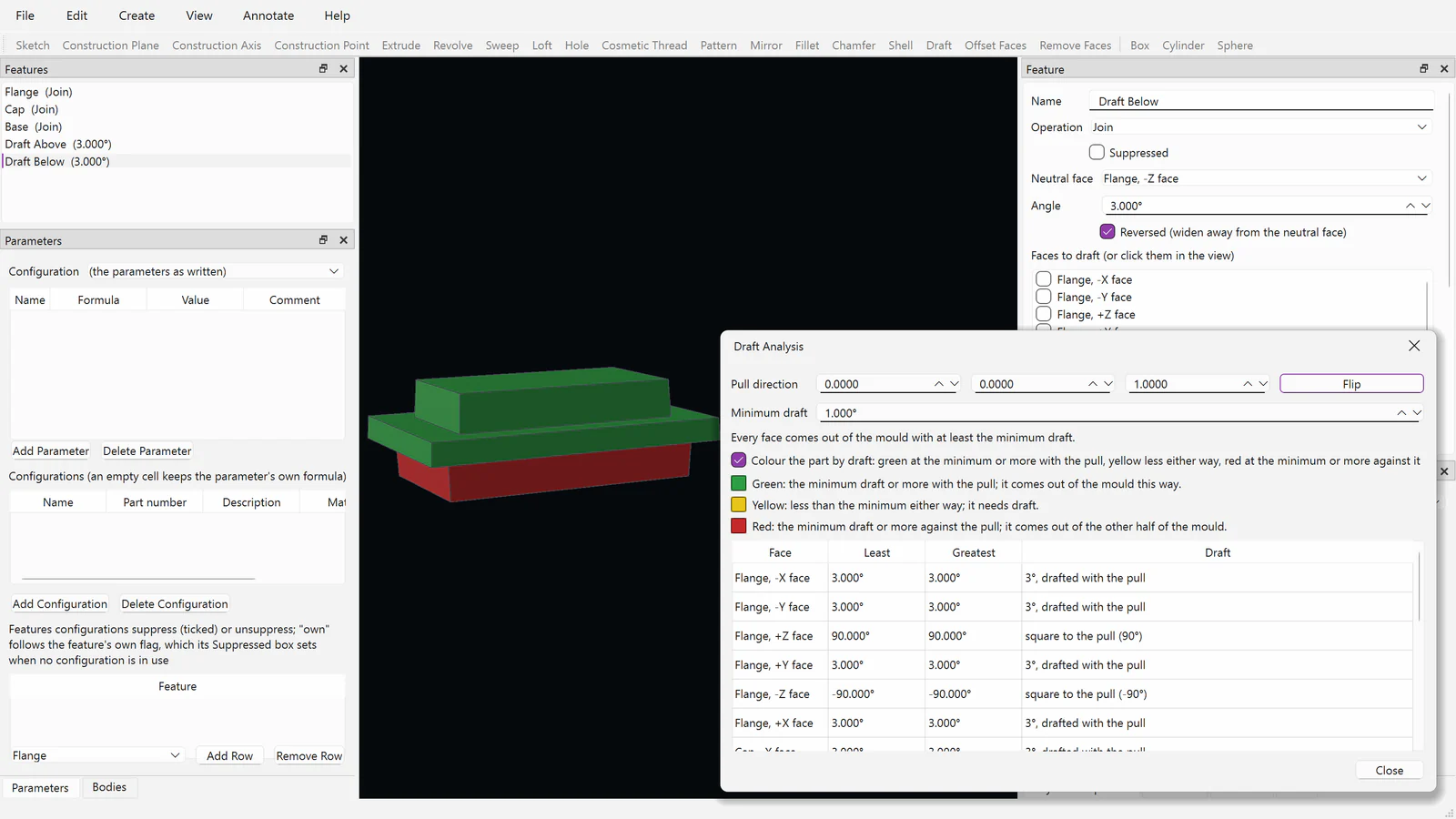
02 · IN DEVELOPMENTExtrude, revolve, sweep, and loft; holes with standard sizes and seats; shells, drafts, fillets with varying radii, chamfers, ribs, patterns, mirrors, text, and wrap, all driven by parameters, formulas, and configurations.
References that survive changes
03 · IN DEVELOPMENTFaces, edges, and corners are named by how they were made, so later features, assemblies, drawings, and studies stay attached when the design changes.
Bodies and surfaces
04 · IN DEVELOPMENTSeveral bodies in one part, combined, split, moved, and scaled; surfaces extruded, revolved, patched, thickened, and stitched; split lines for loads and parting lines.
Assemblies with joints
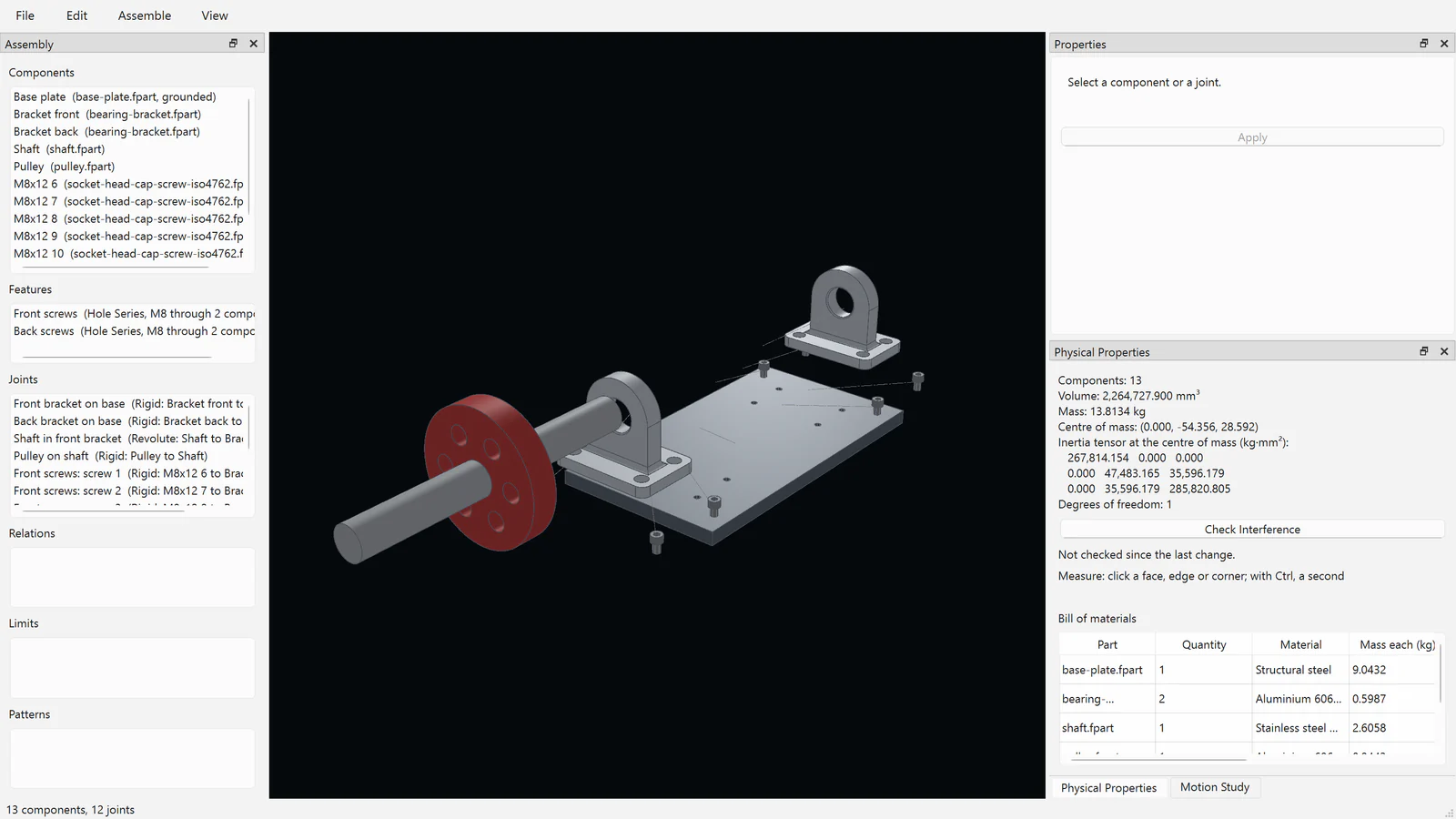
05 · IN DEVELOPMENTSeven kinds of joint, gears, racks, screws, and cams, distance and angle limits, flexible sub-assemblies, motion studies that stop where parts meet, exploded views, and component patterns.
Hole series and standard parts
06 · IN DEVELOPMENTHoles drilled through a stack of parts in the assembly, with ISO screws, nuts, and washers inserted at a length that engages; threads shown as ISO 6410 draws them.
Drawings that follow the part
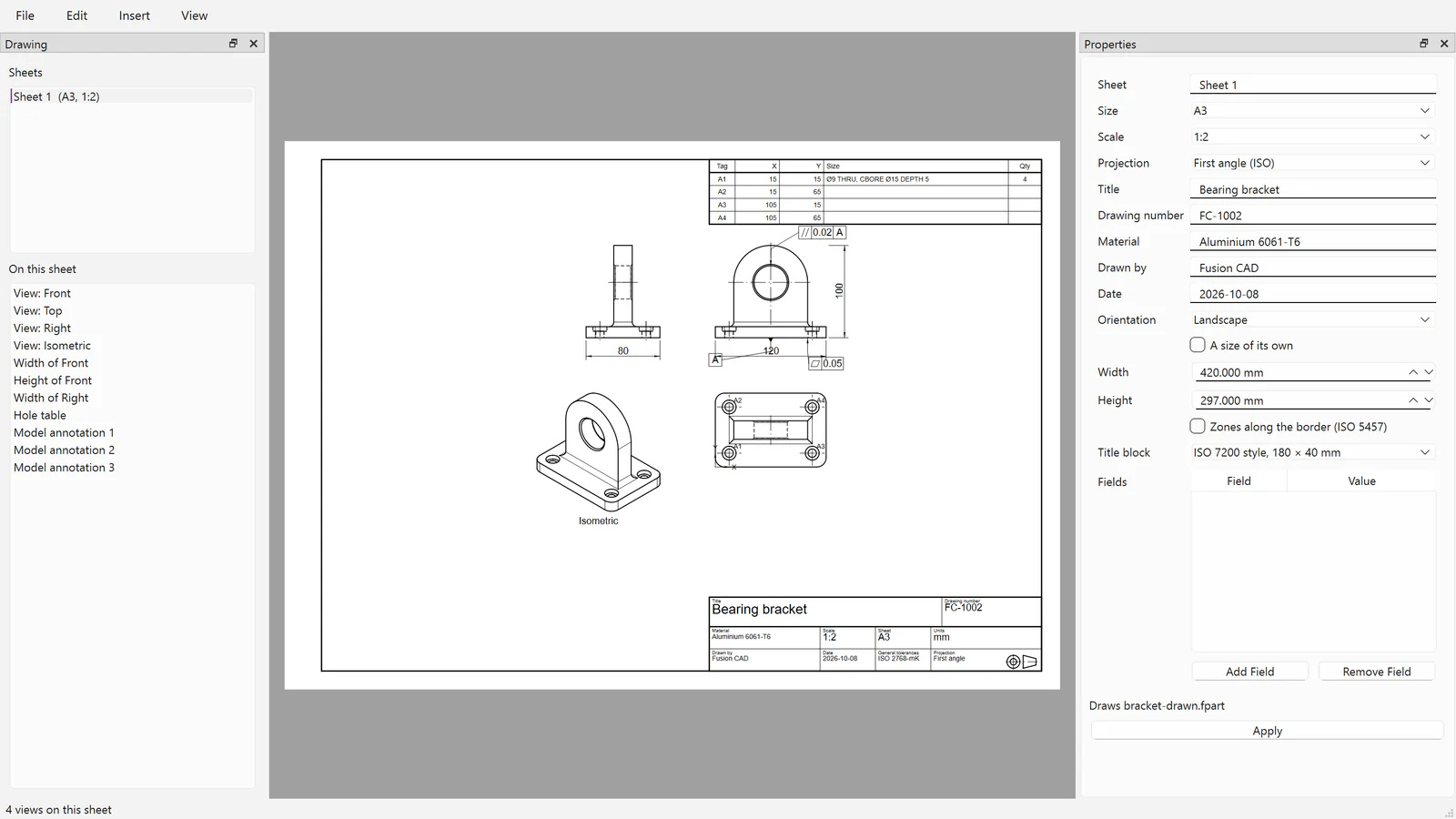
07 · IN DEVELOPMENTStandard, section, detail, auxiliary, and broken-out views; dimensions with ISO tolerances and fits; hole tables and callouts, parts lists, balloons, and title blocks; PDF, SVG, and DXF.
Engineering checks
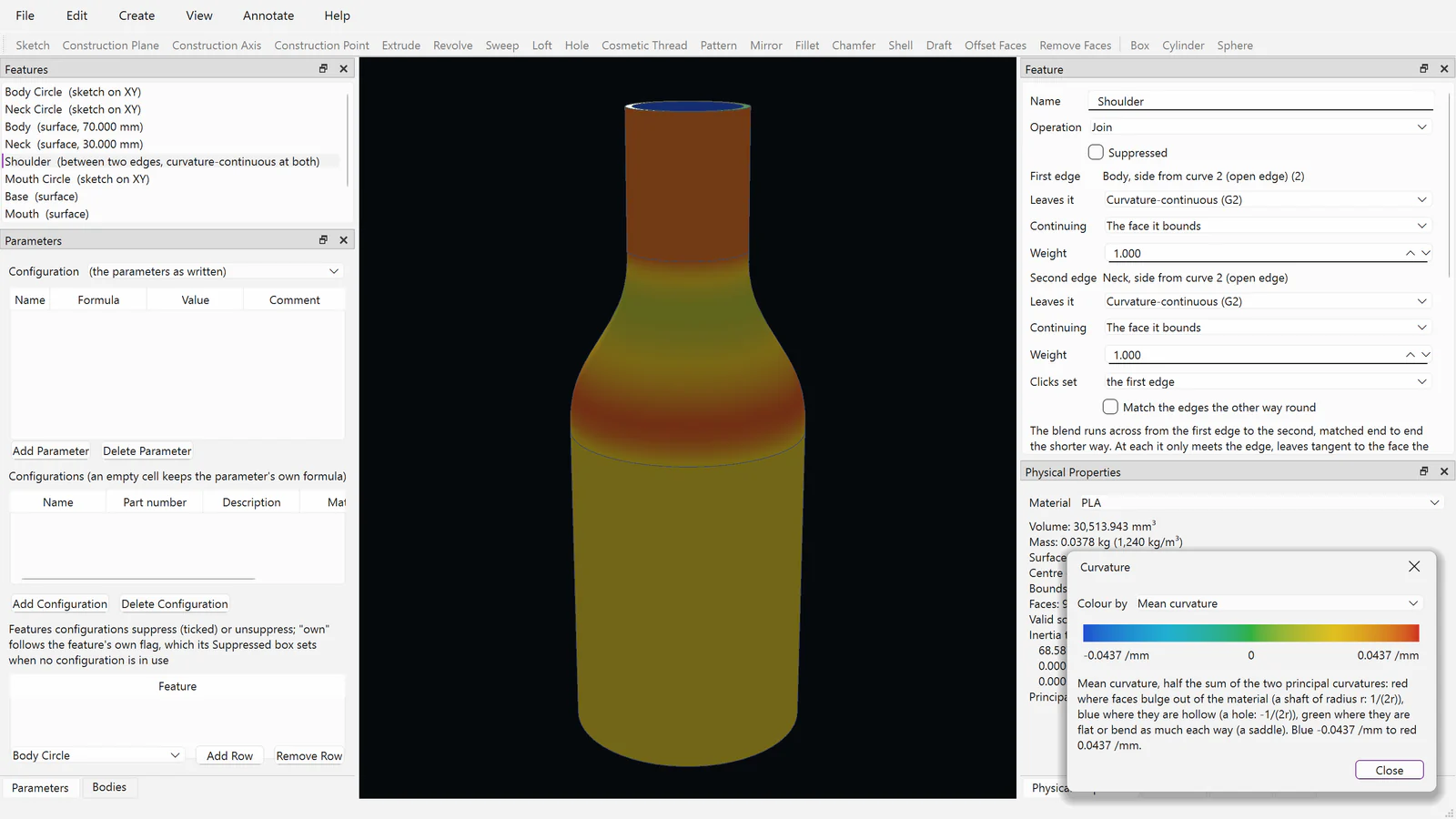
08 · IN DEVELOPMENTMass properties, interference, measurement, draft analysis, curvature and zebra stripes, and bills of materials, flat or indented.
Exchange and Pack and Go
09 · IN DEVELOPMENTSTEP with colours and with GD&T as AP242 PMI, IGES, STL, and 3MF in and out, and DXF into sketches. Pack and Go gathers a design with every file it uses.
Modules you add as your work needs them.
MODULESFusion CAD is expanded with modules. Anyone can open, view, print, and export what a module made; only creating and editing it needs the module. The modules are in development, and their names, editions, and prices are not set.
Sheet Metal
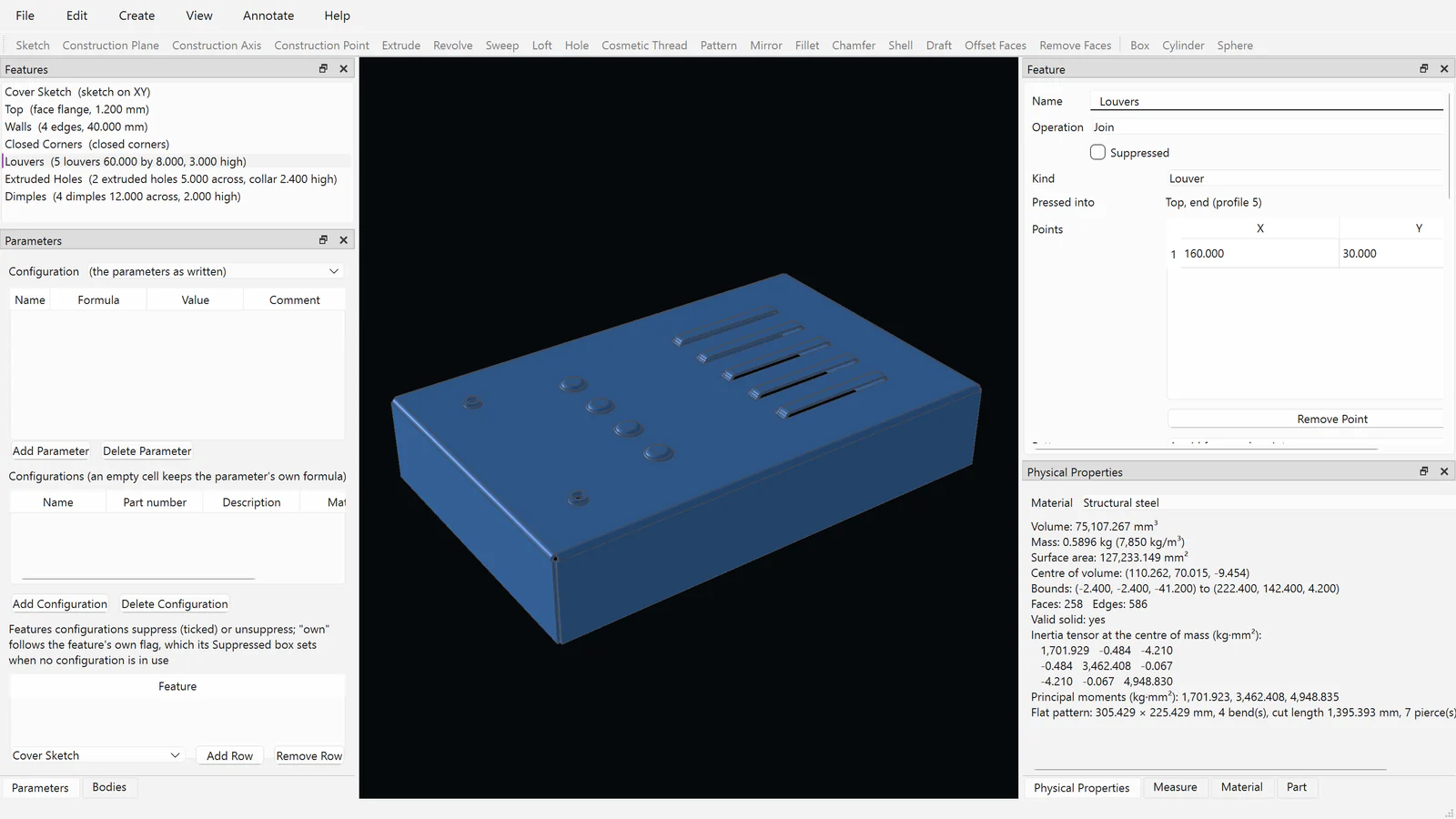
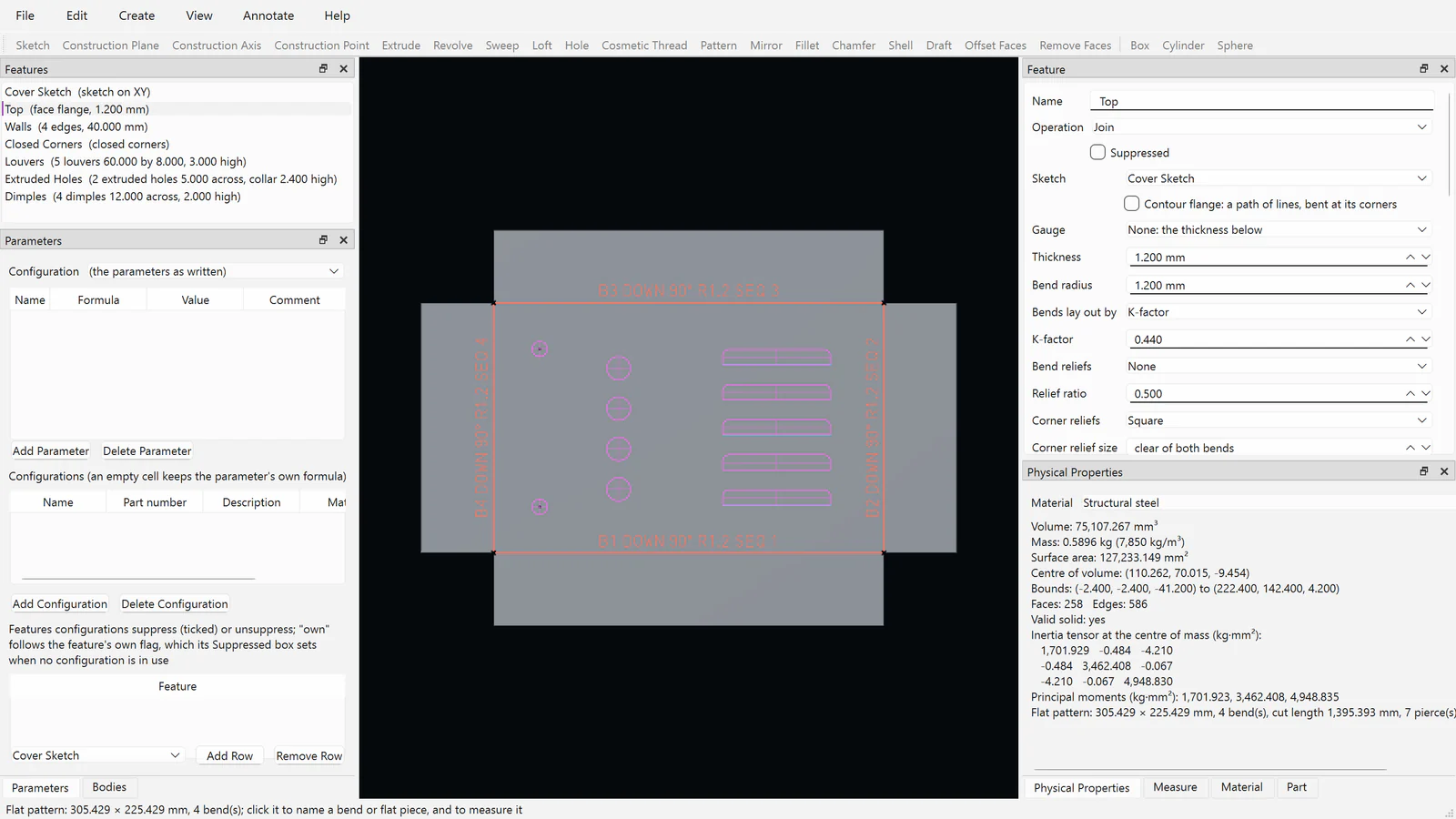
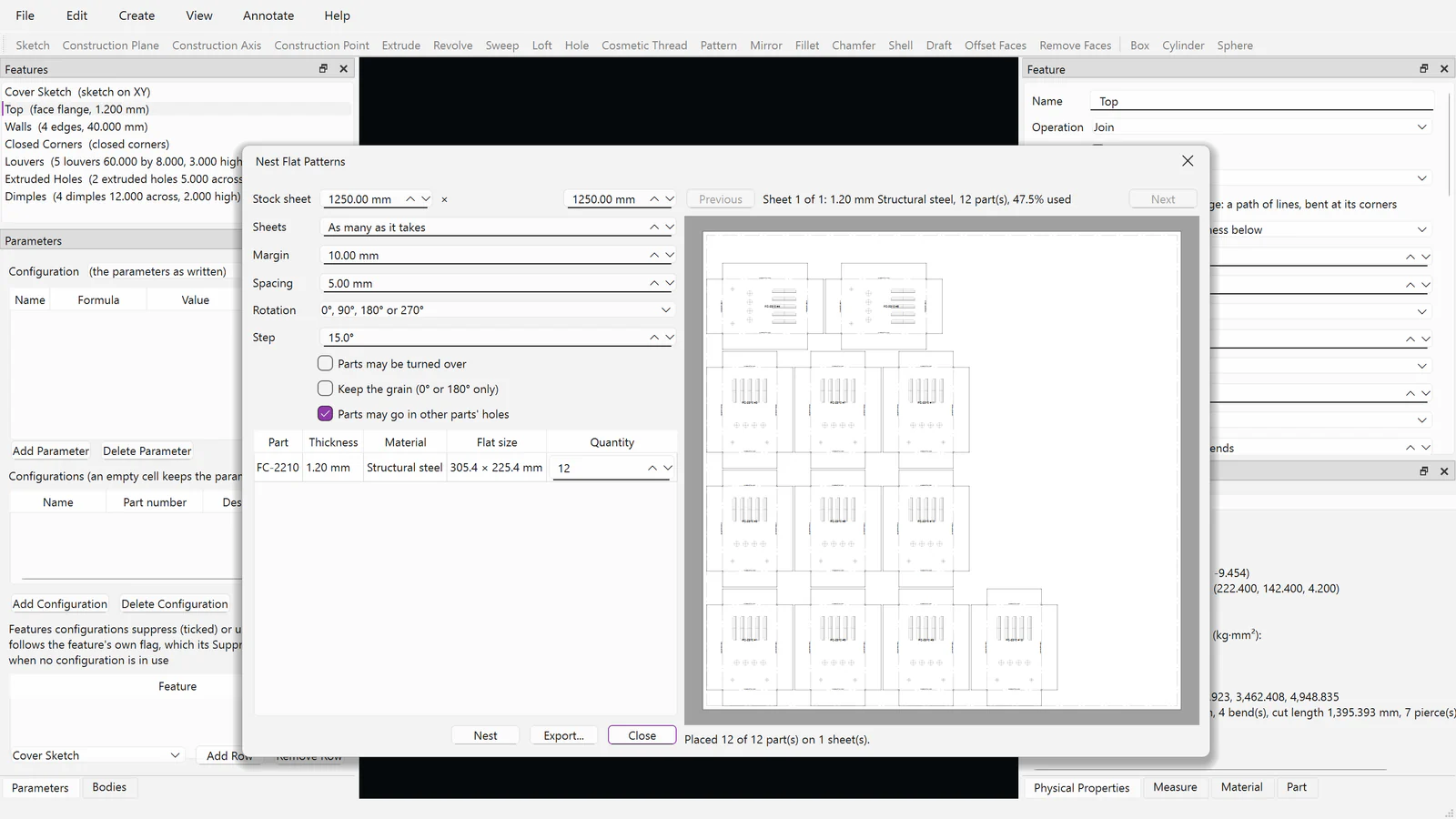
10 · IN DEVELOPMENTFlanges, hems, closed corners, sketched bends and jogs, miter flanges, lofted transitions, and forming tools; flat patterns with bend tables and DXF, nested on stock sheets.
Weldments and Frames
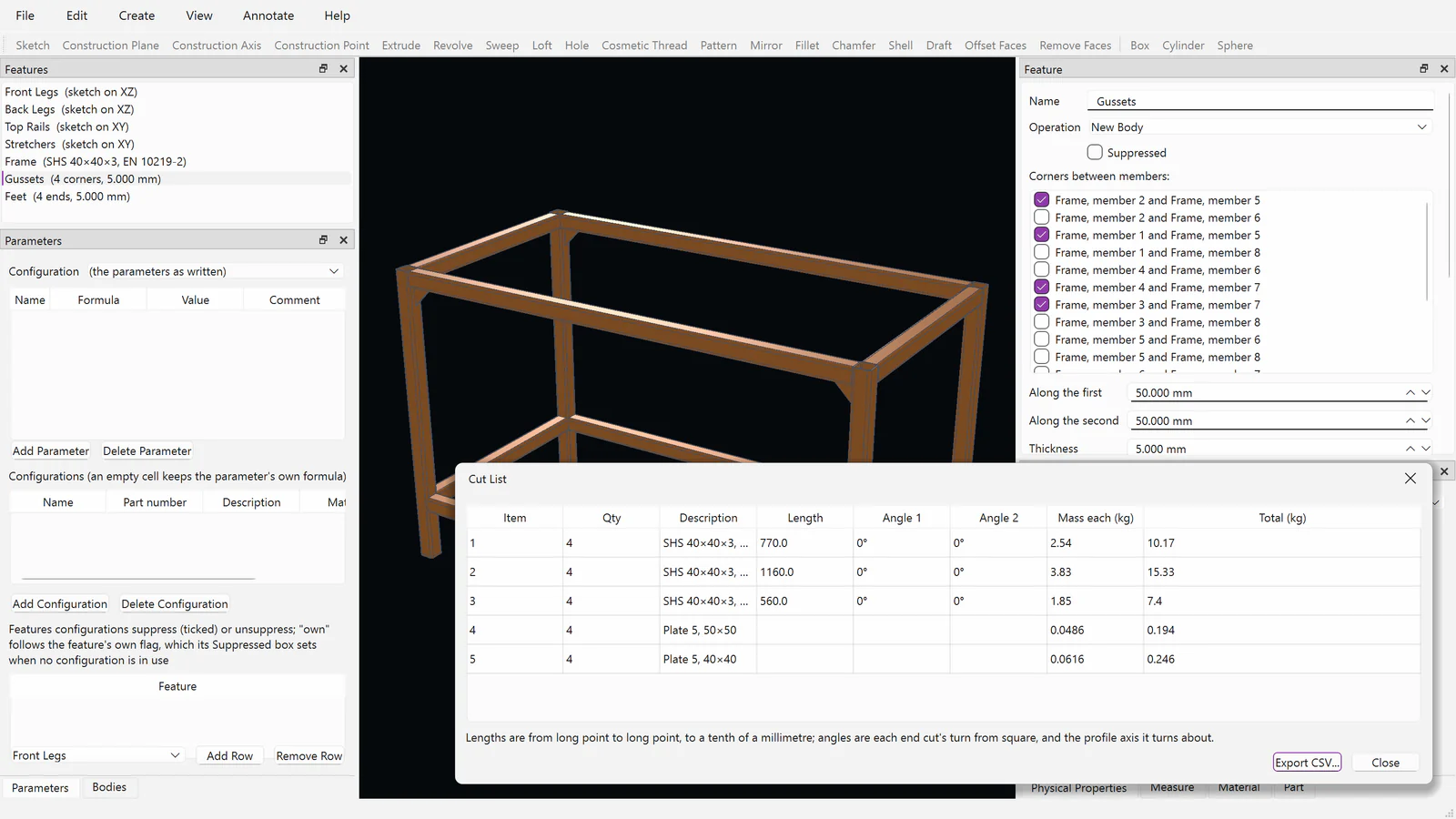
11 · IN DEVELOPMENTStructural members from checked steel and aluminium section tables, mitred, coped, and stopped at junctions, with gussets, end caps, welds shown or modelled, and cut lists.
GD&T and Model-Based Definition
12 · IN DEVELOPMENTDatums, feature control frames, surface texture, and sizes with ISO fits on the model, checked against the rules, shown on drawings, and written to STEP AP242.
Mold and Plastic Parts
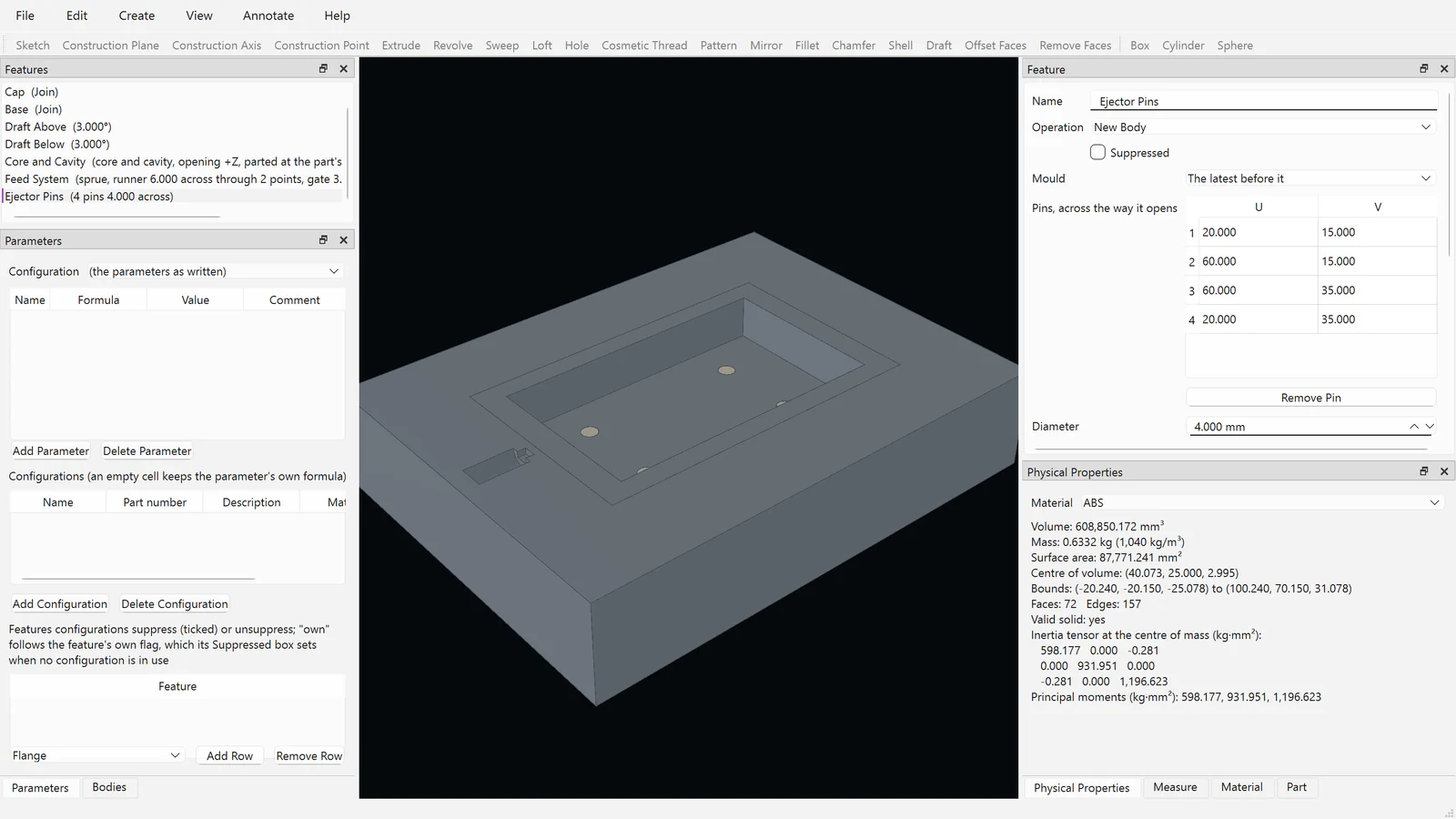
13 · IN DEVELOPMENTCore and cavity with shrinkage, draft and undercut warnings, mounting bosses, ejector pins, and feed systems.
Advanced Surfacing
14 · IN DEVELOPMENTFill and blend surfaces up to curvature continuity, offsets, extensions, and trims, with curvature combs.
ECAD link
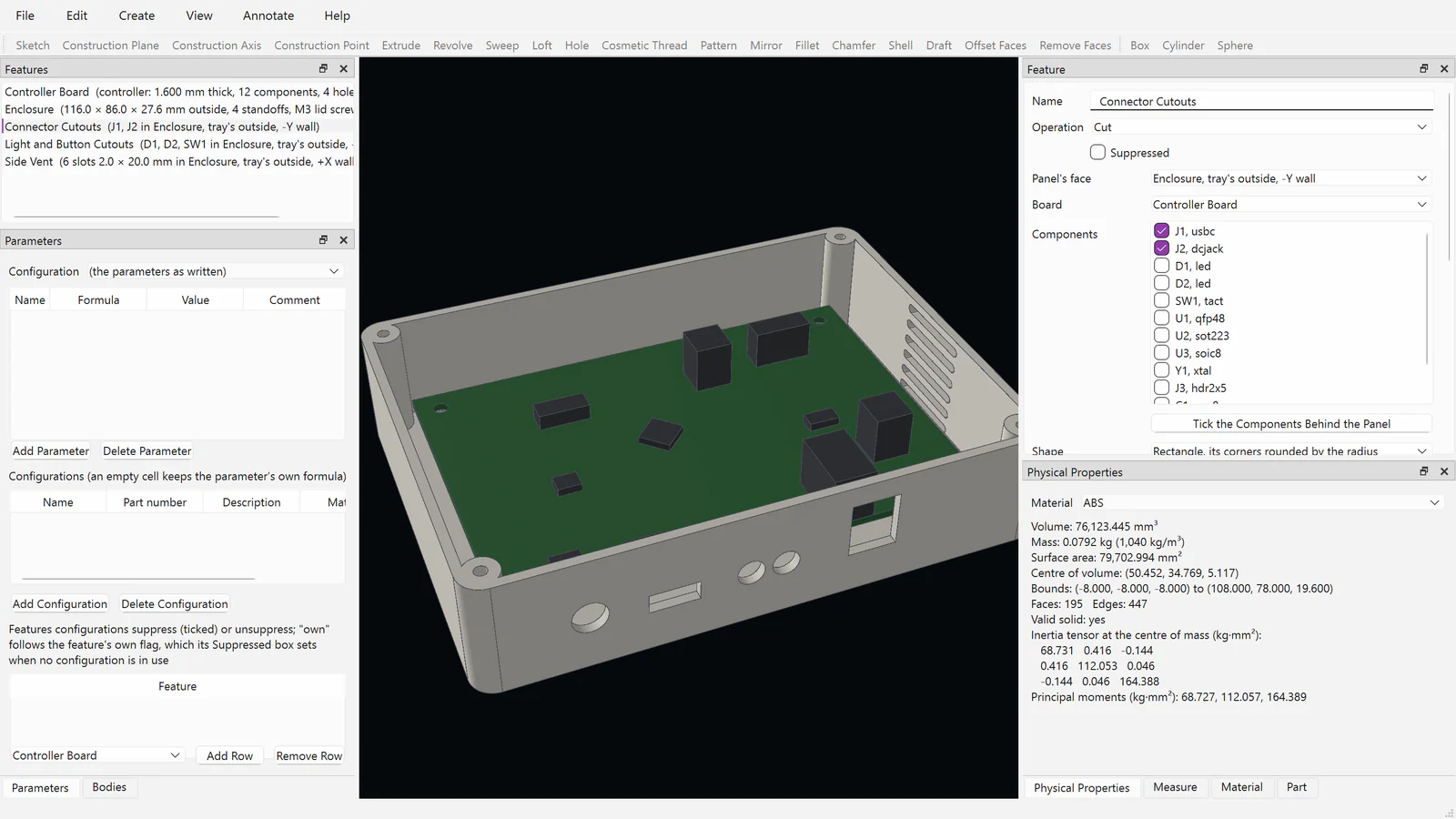
15 · IN DEVELOPMENTCircuit boards read from IDF 3.0 with their components and keep-outs, as bodies of the part. A native link with Fusion EDA is planned.
Routing
16 · IN DEVELOPMENTTube routes bent through points, with the bend data and table a tube bender needs.
Enclosures and Panels
17 · IN DEVELOPMENTEnclosures fitted round a board, panel cutouts that follow its components, vents, lids with lips, screws, or snap hooks, and panel drawings dimensioned from a datum.
See Fusion CAD at work.
THE PROGRAM’S OWN SCREENFusion CAD’s own windows, recorded by the development build on example parts it made: a parametric change, sheet metal laid flat and nested, a welded frame, an enclosure round a circuit board, an assembly and its exploded view, curvature-continuous surfaces, a mould, and a drawing. No sound.
Fusion CAD at work, recorded from the development build
Screenshots of the development build.
REAL SCREENSHOTSEach is Fusion CAD’s own window on Windows, opened on an example it made and photographed by the program; nothing is drawn by hand. The 3D view is drawn by Fusion 3D Engine.
ENGINEERINGSimulation that meshes Fusion CAD parts for structural, thermal, and dynamic studies, with loads and fixtures on named faces.Explore Fusion SIM
Fusion MAT
ENGINEERINGComputational engineering in Solerra that drives Fusion CAD’s parameters in sweeps and optimization and measures each variant.Explore Fusion MAT
Fusion CAM
ENGINEERINGManufacturing that reads Fusion CAD parts, with their edges, corners, and threads, to plan toolpaths.Explore Fusion CAM
Fusion EDA
ENGINEERINGCircuit boards from schematic to manufacturing outputs; boards come into Fusion CAD from IDF today, with a native link planned.Explore Fusion EDA
Fusion PDM
ENGINEERINGProduct data management with check-out, check-in, and versions from inside Fusion CAD, for every file an assembly uses.Explore Fusion PDM
Fusion Canvas
CREATEMaterial painting whose finishes come back onto a Fusion CAD part’s faces by name, as colours and finishes.Explore Fusion Canvas
Explore Fusion CAD.
See the product in action, then continue through the broader Fusion portfolio.Visit fusioncad.cloud ↗Fusion Software LLC · 2026Fusion CAD