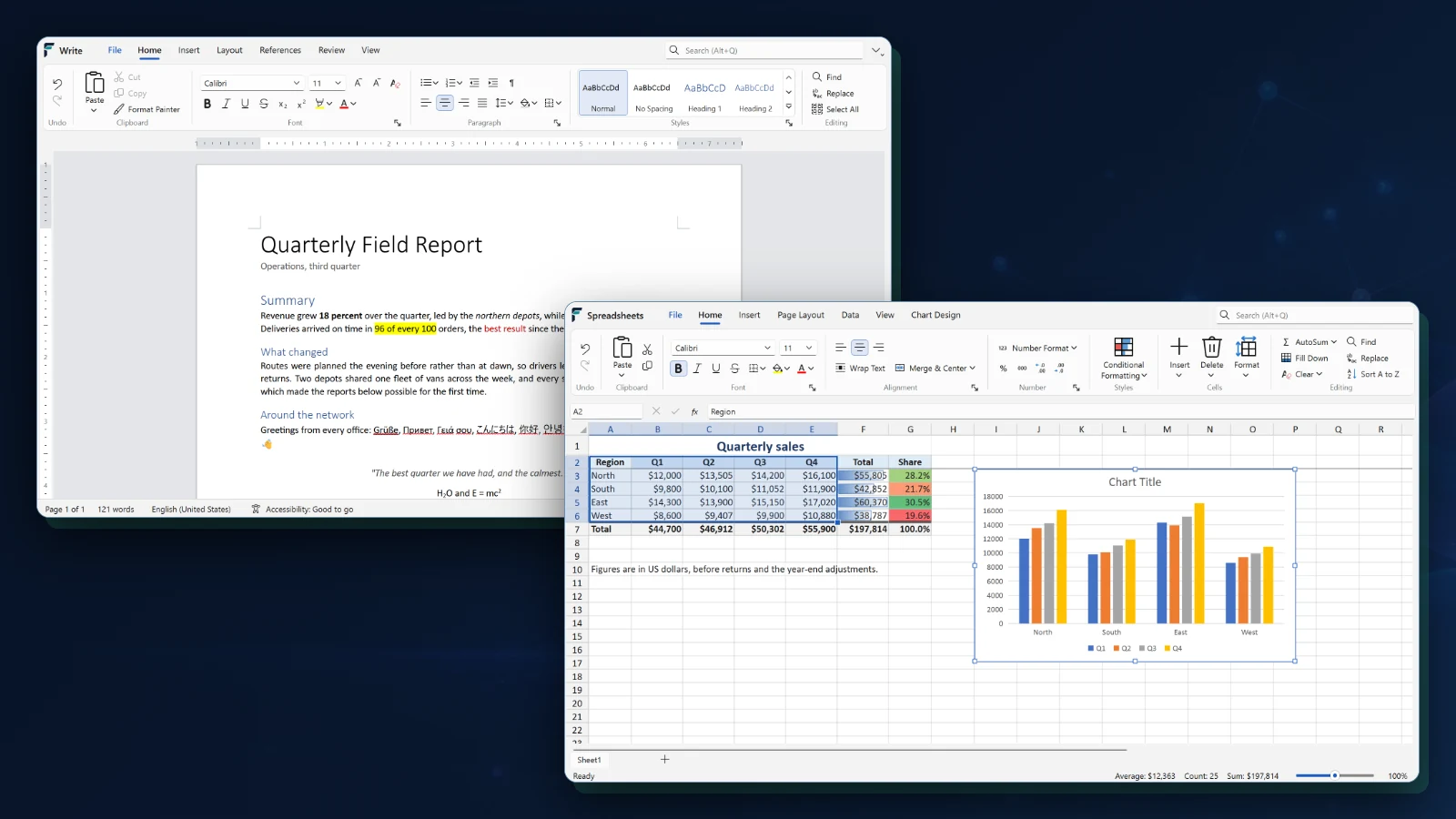
What Fusion Office brings together.
WHAT IT ENABLES
Writing, spreadsheets, presentations, and PDF tools for Windows and Fusion OS share one document core and the same collaboration and workflow foundations. The screen shown is Fusion Write and Fusion Spreadsheets running on Windows, in development builds.
Fusion Write
01Move from draft to finished page with typography, reusable styles, tables, images, page layouts, proofing, comments, tracked revisions, DOCX exchange, printing, and PDF output.
Fusion Spreadsheets
02Calculate and analyze with multiple worksheets, modern formulas, filters, frozen panes, conditional formats, charts, pivot tables, slicers, timelines, and CSV, TSV, or XLSX exchange.
Fusion Slides
03Build precise visual presentations with masters, themes, text, images, diagrams, tables, charts, connectors, rehearsal timing, speaker notes, presenter controls, and PPTX or PDF exchange.
Fusion PDF Viewer
04Inspect, search, annotate, fill, sign, merge, reorder, extract, and save PDFs with permanent two-step redaction and clear separation between an original and each governed result.
Local by default
05Keep core authoring, calculation, presentation, and review available on the device, including when a remote service or Internet connection is unavailable.
Familiar formats
06Exchange established office formats while preserving a consistent Fusion document model for structured editing, printing, conversion, and accessibility.
Ready for connected workflows
07Move documents into storage, review, approval, signature, evidence, backup, automation, customers, and outcome-guided work when collaboration is required.
Included with Fusion OS
08Use shared files, printing, storage, identity, document services, and application permissions without buying or maintaining a disconnected productivity stack.
Windows and Fusion OS
09The same applications on both systems, built in C++ on one shared core. Fusion Write and Fusion Spreadsheets run on Windows today in development builds; Fusion Slides and Fusion PDF Viewer follow.